
Building a Hackathon Team Matching App with Firebase
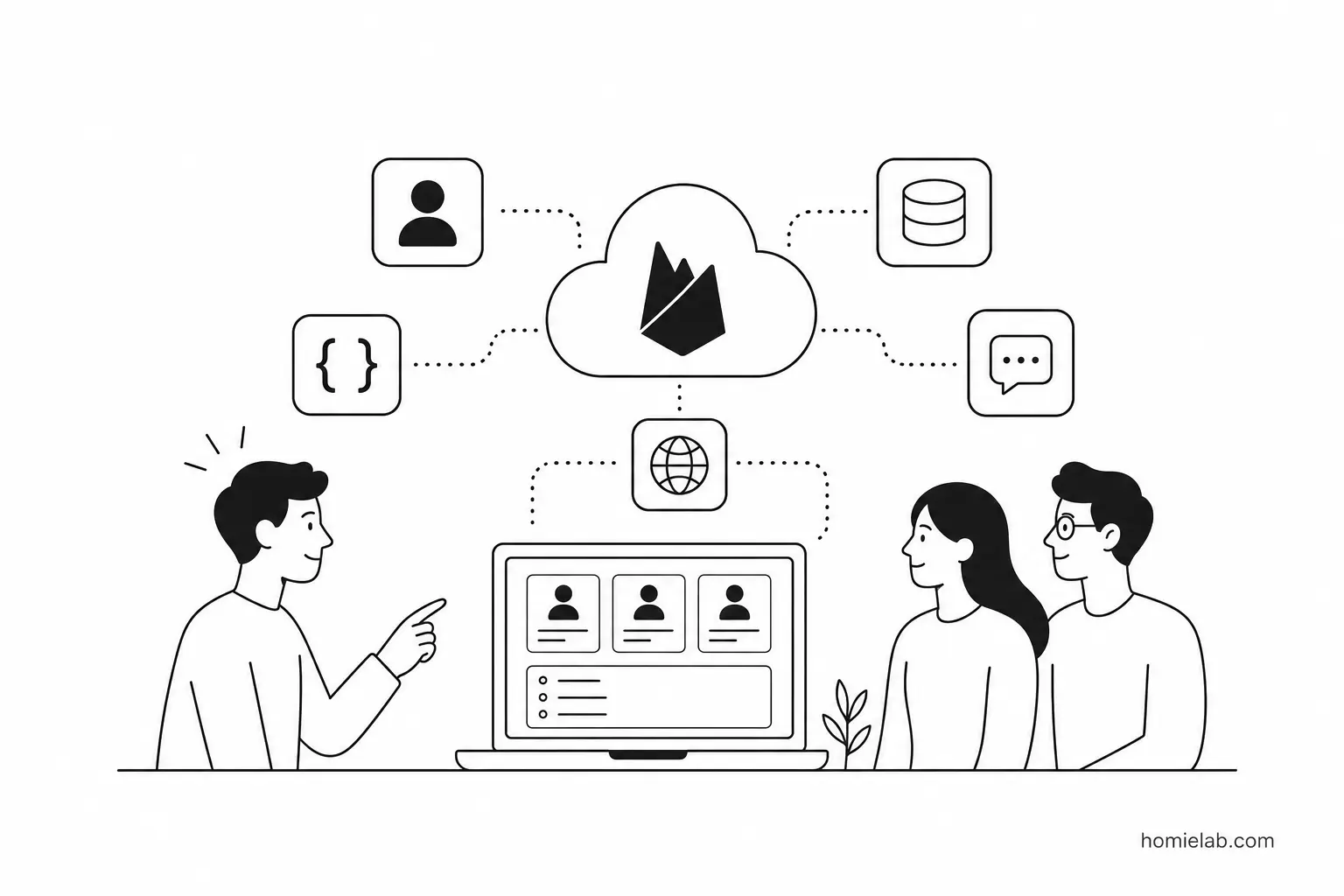
I was asked to build a tool for a hackathon that solved a simple problem:
Many participants had registered, but they still didn't have a team.
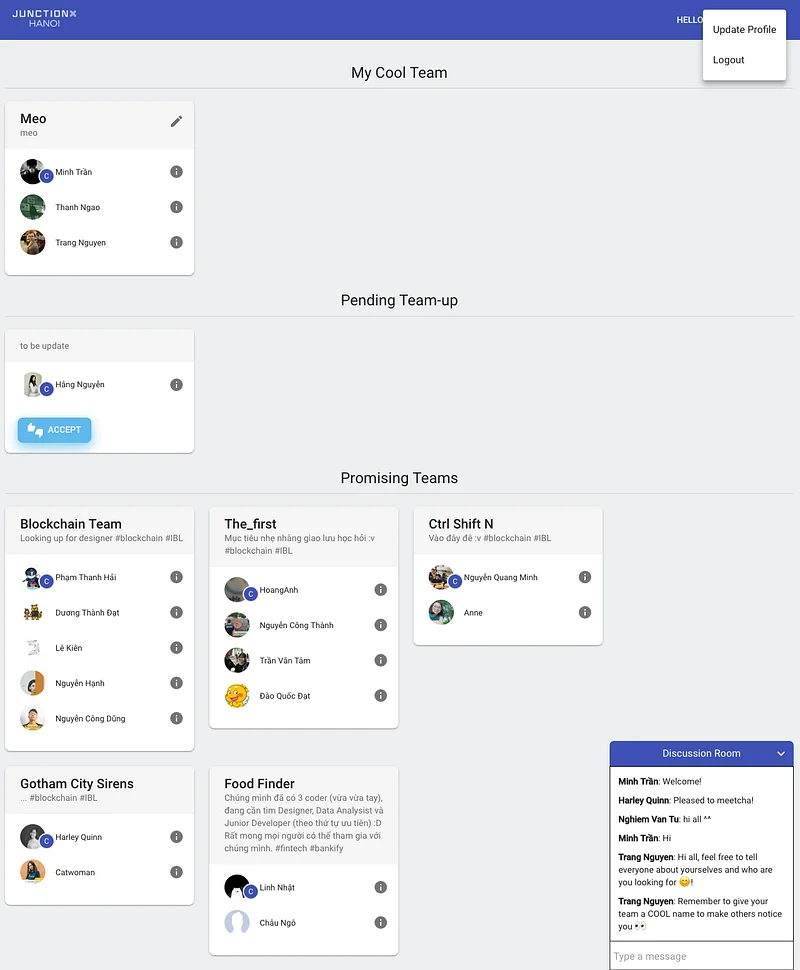
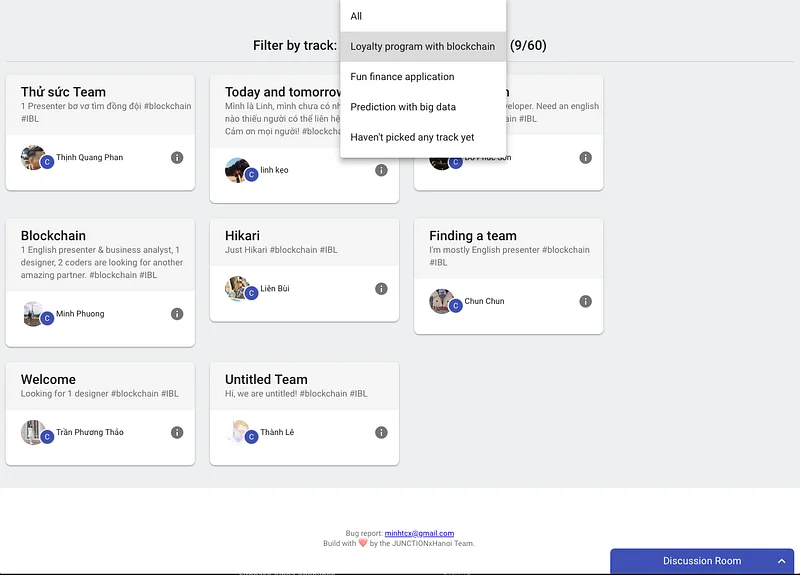
The goal was to create a web application where participants could introduce themselves, discover teammates with similar interests, and send requests to form teams.
There was only one catch.
The hackathon was less than two weeks away, and I only had two evenings to build everything because I was busy with my day job.
Ironically, I had almost as much time as the contestants themselves.
The difference was that I was competing solo-and my final deliverable couldn't be a prototype.
It had to actually work.
Because of the tight schedule, several areas could have been improved.
The UI and UX weren't polished.
The onboarding flow wasn't fully thought through.
Promotion and participant engagement were limited.
Looking back, it would have been much better if applicants had been redirected straight into the team matching platform immediately after registration, accompanied by regular email reminders.
That alone would likely have increased participation considerably.
But this article is mainly about the technical side of the project.
Choosing the stack
As a full-stack developer, I needed:
- A database for participants, teams, and join requests.
- Authentication.
- APIs for business logic.
- A frontend to tie everything together.
I also had two additional constraints:
- No budget.
- No existing server infrastructure.
Naturally, I started exploring free services.
I briefly considered platforms like Heroku and now.sh (now Vercel), but response times weren't great for this project.
At one point I even thought about using Google Sheets as the database with Google Apps Script handling the backend logic.
Thankfully, I came to my senses before going down that road.
Then I remembered a conversation I'd had about a year earlier with someone from the Firebase team.
They had introduced me to Firebase Cloud Functions, and I loved the idea of never having to worry about provisioning servers, maintaining infrastructure, or dealing with operating system updates.
Firebase was originally built with mobile applications in mind-but why not try building the entire web application on it?
Here's the stack I ended up using.
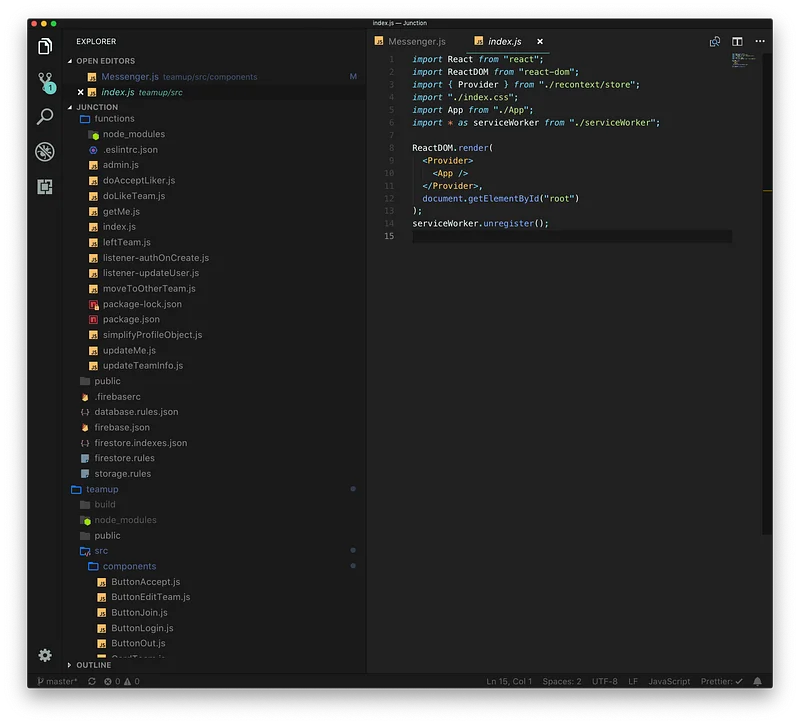
Cloud
- Firebase Authentication for user authentication and participant profiles.
- Firebase Cloud Functions for validation and business logic.
- Firebase Cloud Firestore for storing participants, teams, and requests.
- Firebase Realtime Database for chat messages.
- Firebase Hosting to deploy the web application.
Client
- Create React App for bootstrapping the project.
- react-recontext (a state management library I built myself).
- Material-UI for the user interface.
That looked like a complete, fully serverless architecture.
Interestingly, the only technology on the list I had extensive experience with was my own state management library.
Most Firebase services were completely new to me.
Previously I'd only used Firebase Analytics, Crashlytics, and Cloud Messaging.
I also had much more experience building React Native applications than React websites.
Still, the project was relatively small.
It seemed like the perfect opportunity to experiment.
After checking the limits of Firebase's free Spark plan and confirming it could comfortably handle roughly 300 participants, I started building.
The final project was deployed here:
https://junctionxhanoi.web.app/
What I learned
Like every side project built under pressure, this one came with plenty of lessons.
Challenges
- Underestimating the project was my biggest mistake. The application looked simple at first, but defining team formation rules and thinking through edge cases consumed far more time than writing code.
- Because I underestimated the complexity, I skipped TypeScript and proper Babel configuration for Cloud Functions. I also avoided async/await, which resulted in deeply nested Promise chains-sometimes five levels deep. It was painful.
- At the time, Firebase had no local emulator, so debugging meant deploying directly to production. That was... less than ideal.
- The free Spark plan didn't allow outbound network connections from Cloud Functions, meaning I couldn't send custom emails. Firebase only provided a few built-in authentication email templates. I even considered repurposing those templates as a workaround but never had time to implement it.
- Firebase data centers were primarily located in the US and Europe, with no Asian region available at that time. Latency wasn't terrible, but it was noticeable, especially with realtime listeners. Even so, the experience was still better than my earlier experiments on Heroku.
What I loved
- Everything was free.
- For many features, Cloud Functions weren't even necessary. Firebase Security Rules allowed the client to communicate directly with the database while still enforcing fine-grained access control. That dramatically simplified the architecture.
- Realtime synchronization was incredible. Nearly every update propagated instantly. In fact, I hadn't planned to build a chat room at all, but Firebase made it so easy that it took almost no effort:
- Create a styled component.
- Connect it to the database.
- Done.
- During development I joined the Firebase Alpha announcements and learned that the team was working on the Firebase Emulator Suite. Early feedback looked promising, suggesting the painful debugging experience would soon improve.
- Having authentication, database, hosting, realtime messaging, and backend logic all integrated into a single platform kept the project surprisingly lean. Less configuration meant more time building actual features.
There are probably dozens of other lessons I forgot to write down at the time.
Unfortunately, that's how these fast-paced projects usually go.
Final thoughts
Firebase and Cloud Functions weren't quite as magical as I had imagined.
Like every platform, they come with trade-offs.
But overall, I found Firebase to be an excellent tool for rapidly building real products.
Google continues to invest heavily in the ecosystem, and it keeps growing beyond authentication and databases.
There are still many services I haven't had the chance to explore, including Performance Monitoring, Test Lab, ML Kit, Funnels, Predictions, and many others.
My impression is simple:
If someone truly masters even 80% of what Firebase offers, they can build remarkably capable products with surprisingly little infrastructure.
Related posts
- Why Most People (Including You) Probably Don’t Need an AI Agent YetA practical look at when AI agents are genuinely useful - and why a chatbot paired with a few simple automations may still be the better choice.
- Build in Public: When a Product Gets CriticizedA reflection on building in public, early criticism, product visibility, and why imperfection can help products evolve.
- My Experience Publishing an App to HomebrewA short reflection on publishing an app to Homebrew, receiving user feedback, and building small tools that solve real problems.