← Back home

MemoKey - Quick Access Note-Taking App

A simple and secure note-taking application for iOS and Android featuring a custom keyboard extension to access and paste notes from any app.

MemoKey (https://memokey.homielab.com) is a fast, local-first note app for snippets you reuse often. Its keyboard extension lets you search and paste saved notes directly inside other apps, so common replies, addresses, links, and small references stay one tap away.

Overview

MemoKey turns notes into an input tool. You can keep small pieces of information organized in the main app, then retrieve them from the system keyboard when you are writing somewhere else.

Motivation

As a mobile user, I frequently found myself switching between apps to find and copy information. Whether it was an address for an email, a common reply in a chat, or a specific piece of data from my research, the process of leaving an app, opening notes, copying, and switching back was inefficient.

I built MemoKey to remove this "app-switching tax." By integrating your notes directly into the system keyboard, you can access your saved information the moment you need to type it.

Highlights

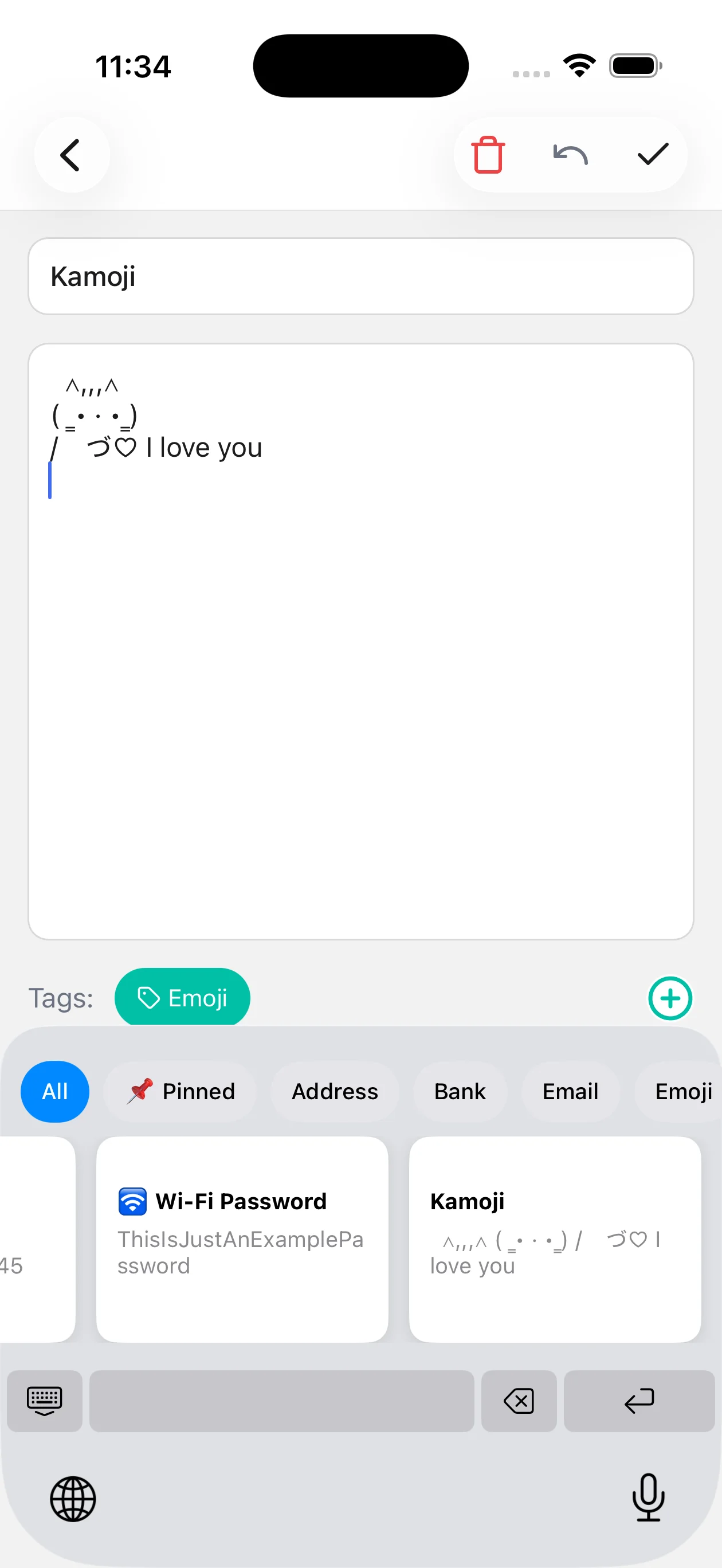
  • System-wide keyboard: Search and paste saved notes from the keyboard in any app.
  • Quick capture: Add new notes through the Action Extension without opening MemoKey first.
  • Local performance: Uses a local SQLite database for fast access, even with many notes.
  • Privacy-first storage: Keeps notes on your device, with optional locks for sensitive entries.
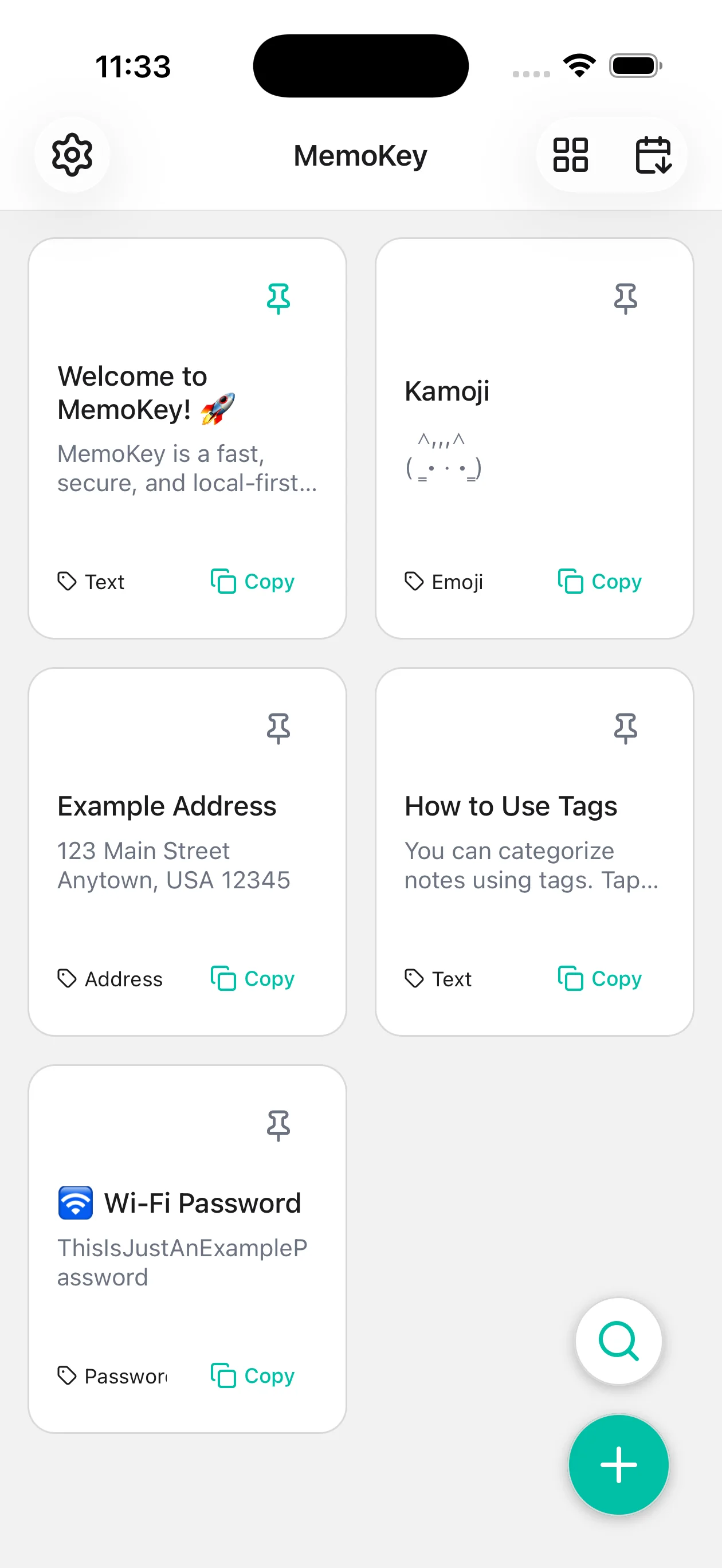
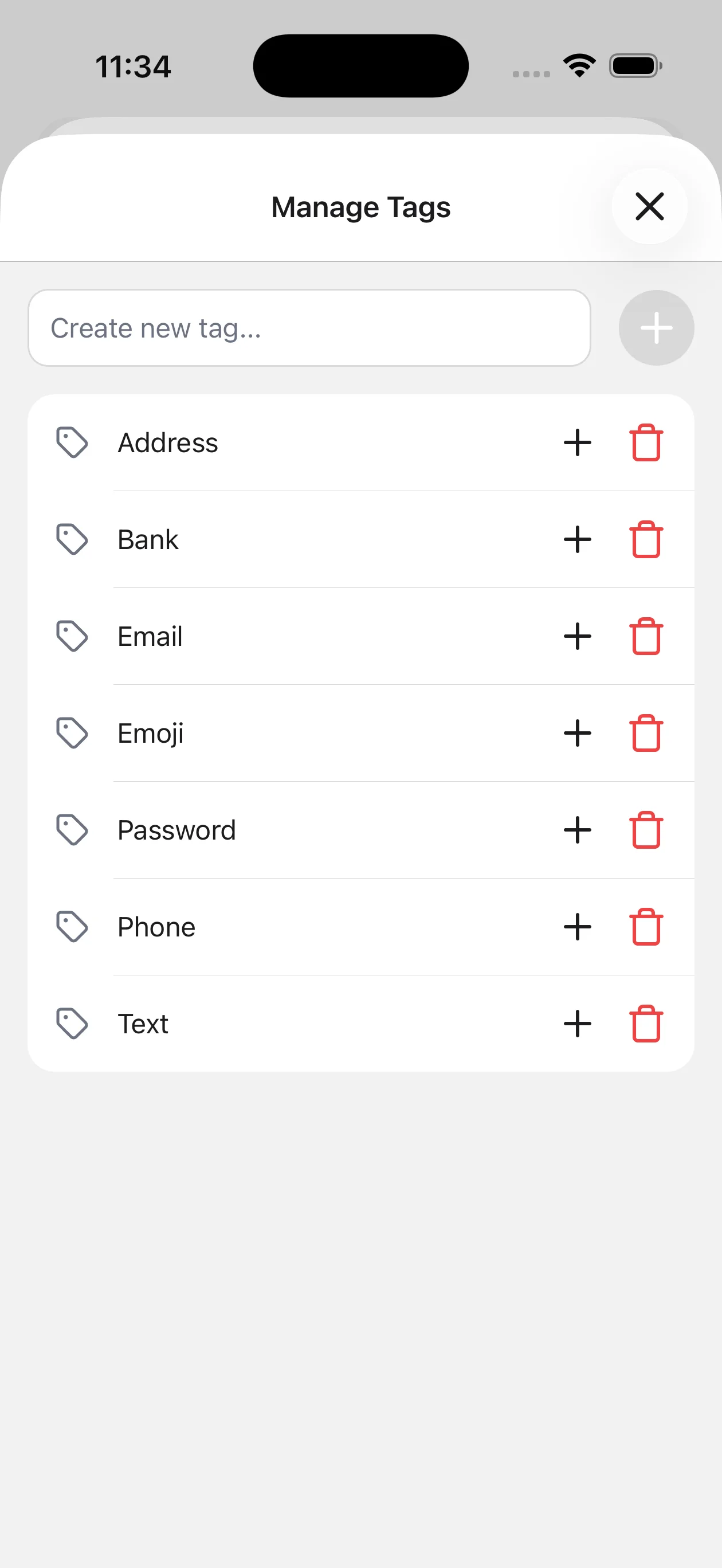
  • Organization tools: Use tags and pinned notes to keep frequent snippets easy to reach.
  • Flexible views: Switch between grid and list layouts, plus light and dark themes.
  • Portable data: Export and back up your notes as JSON whenever needed.

Who It Helps

  • Writers and students who reuse references, outlines, or citations.
  • Developers and operators who keep snippets, IDs, or environment notes nearby.
  • Support and sales teams who need consistent replies without repetitive typing.

Screenshots

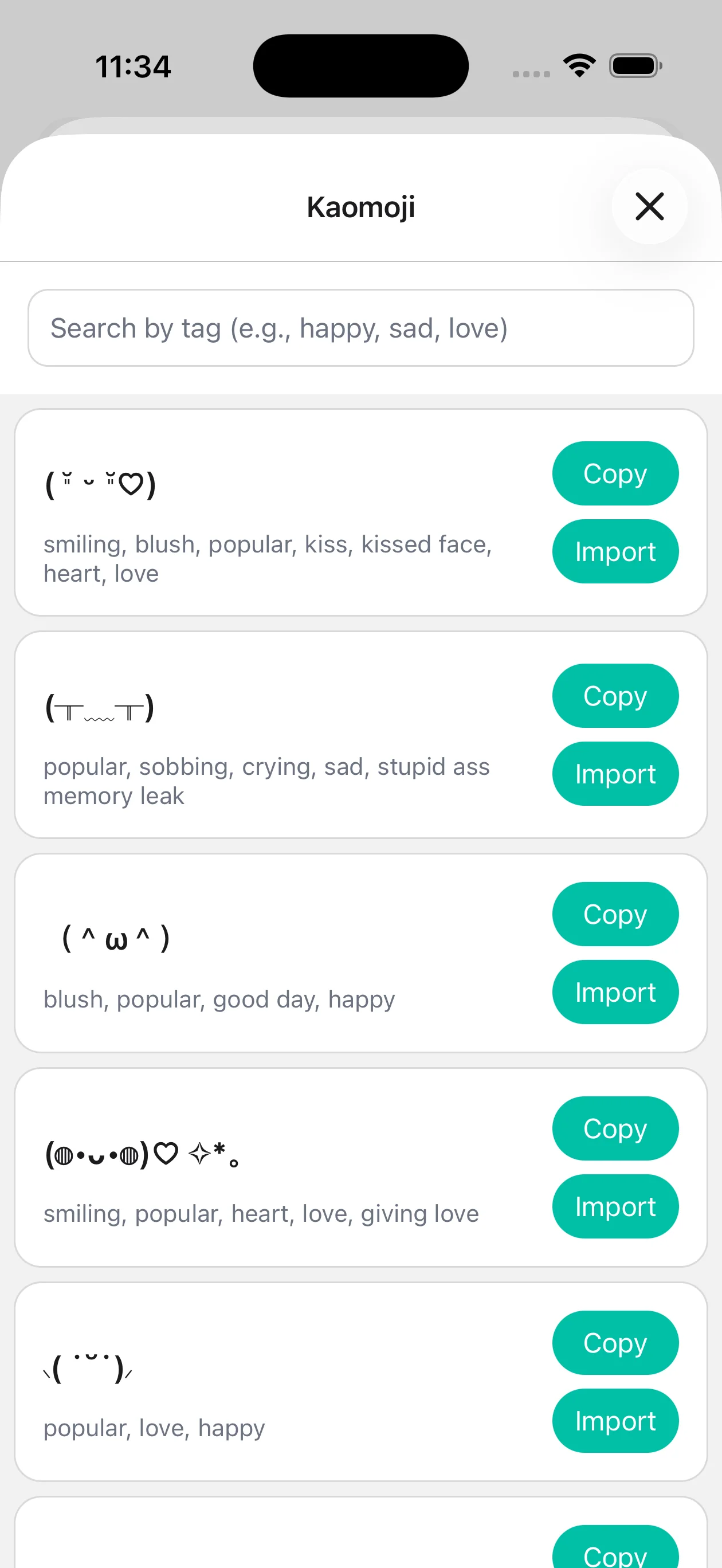
MemoKey Screenshot 1 MemoKey Screenshot 2 MemoKey Screenshot 3 MemoKey Screenshot 4

Get MemoKey

Scan to download:

QR code to download the MemoKey app

Feedback and Support

MemoKey was built to remove small bits of mobile friction. If you have suggestions or encounter an issue, feel free to reach out.