
 Chrome Web Store
 Firefox Add-ons
 Source Code
One switch per site
Turn it on for the site you are on and the badge reads ON. One switch for localhost covers every port your dev servers use, and subdomains are covered too.

CORS Unblocker
One switch unblocks the cross-origin fetch and XMLHttpRequest calls of the site you are on, cookies included. No modes, no lists, no proxy — and nothing leaves your machine.
Chrome, Edge, Brave, Opera and Firefox.
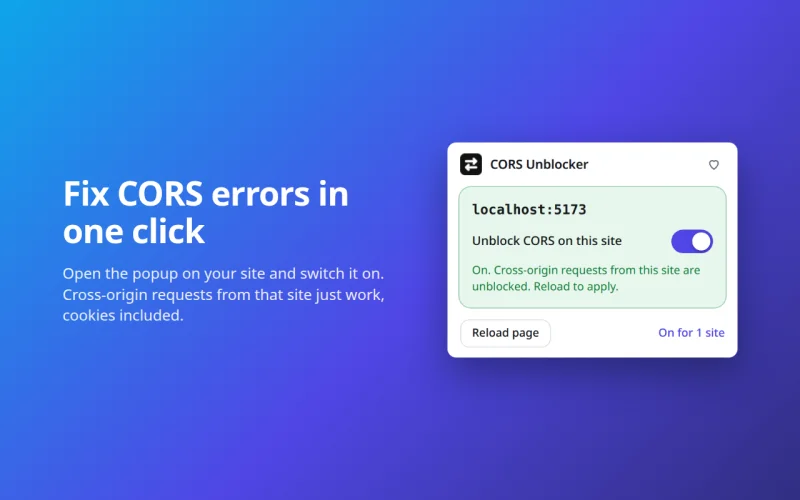
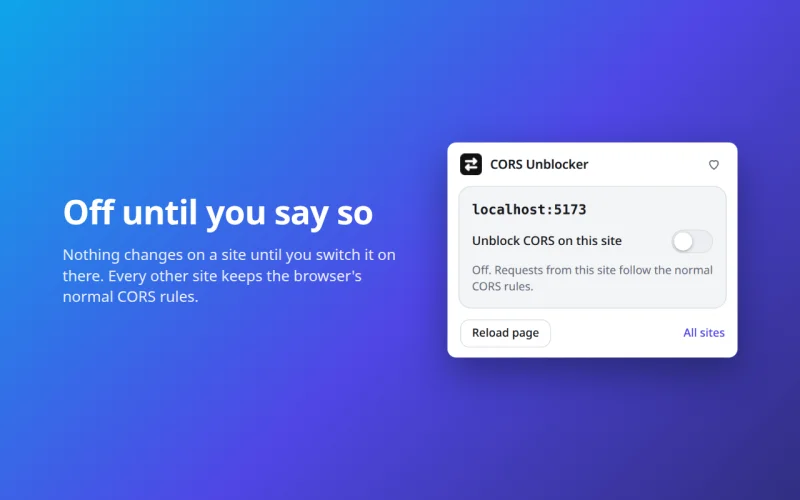
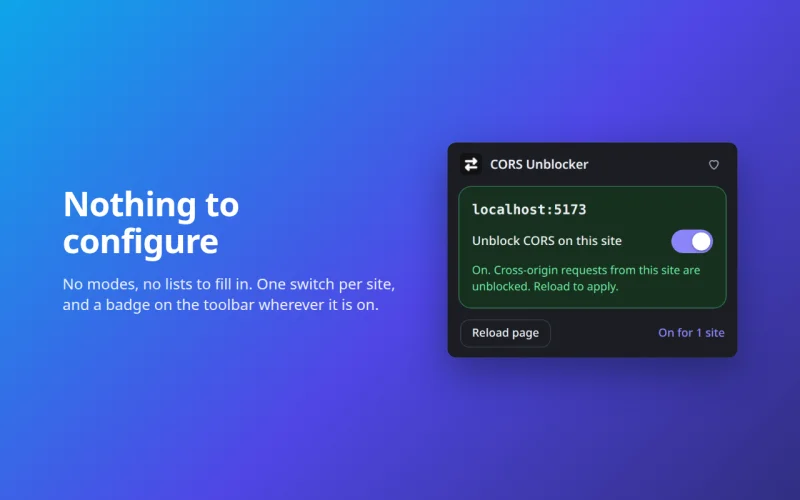
Turn it on for the site you are on and the badge reads ON. One switch for localhost covers every port your dev servers use, and subdomains are covered too.
Responses get your site’s exact origin with credentials — not *, which is illegal on cookie-sending requests. So cookie-based APIs work with the same switch.
Page loads, downloads, sign-in redirects and streaming are left alone. No script is injected into the page, and the page cannot tell the extension is there.
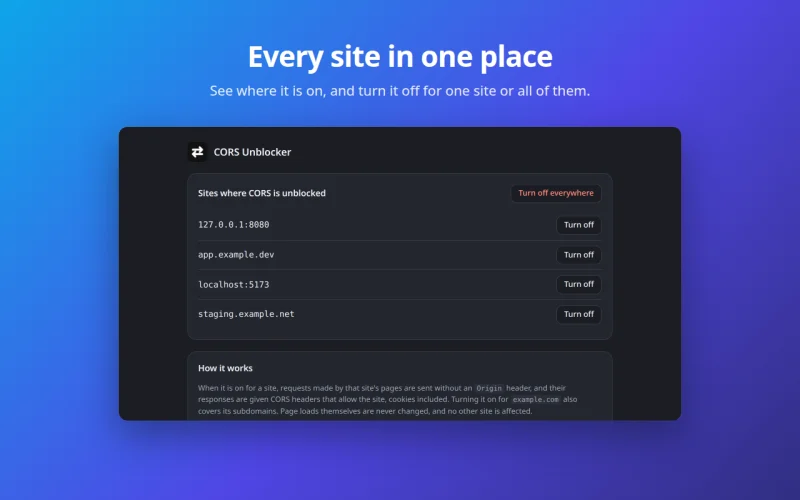
It follows the tab you are looking at, and other sites stay blocked. A list of every enabled site lets you turn any of them off, or all at once.
Good to know
A preflight answered with an error status or a redirect still fails — the browser needs a 2xx reply, and declarative rules change headers but not status codes. Fix the server, or call the final URL directly.
Unusual custom headers on cookie-sending requests can still be refused, third-party cookies follow the browser’s own settings, and chrome:// pages, the Web Store and file:// pages are out of reach. WebSockets are not CORS-protected and are not touched.
The server still sees you: this changes what the browser enforces, not what the server allows. Every working case — and the fact that other sites stay blocked — is asserted by automated end-to-end tests against a real Chrome.
Grab it from the Chrome Web Store for Chrome, Edge, Brave and Opera, from Firefox Add-ons for Firefox — or read the source and load it unpacked.