
 Chrome Web Store
 Firefox Add-ons
 Source Code
Full cookie attributes
Every cookie the browser would send, including HttpOnly ones page scripts cannot see. Value, domain, path, expiry, SameSite, Secure, Partitioned (CHIPS) and Duplicate.

Cookie & LocalStorage Editor
View, add, edit, delete, import and export cookies and localStorage without leaving the page. Everything is scoped to the current site — no background process, no network access, no analytics.
Chrome 119+ · Firefox 128+ · No tracking.
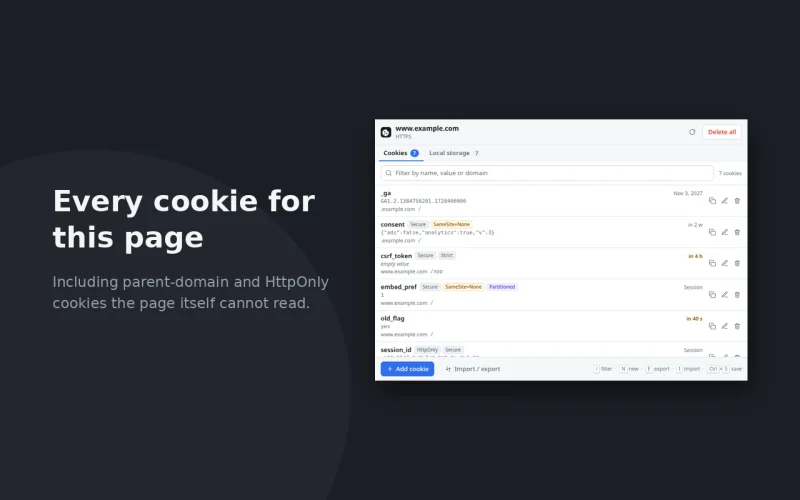
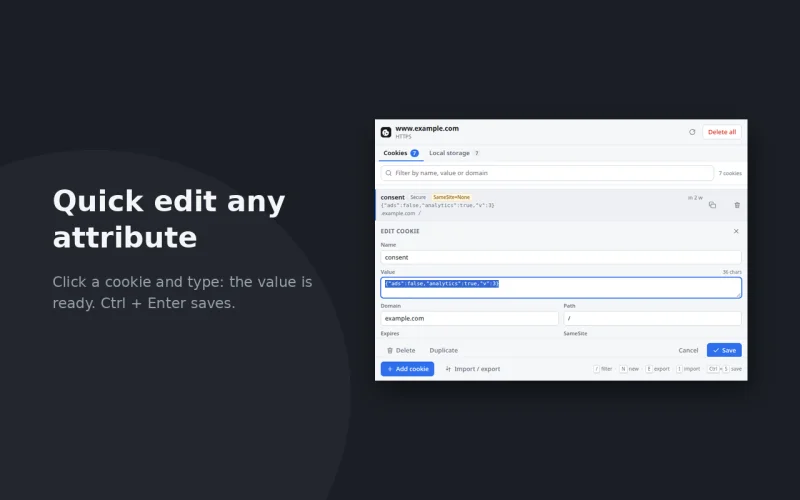
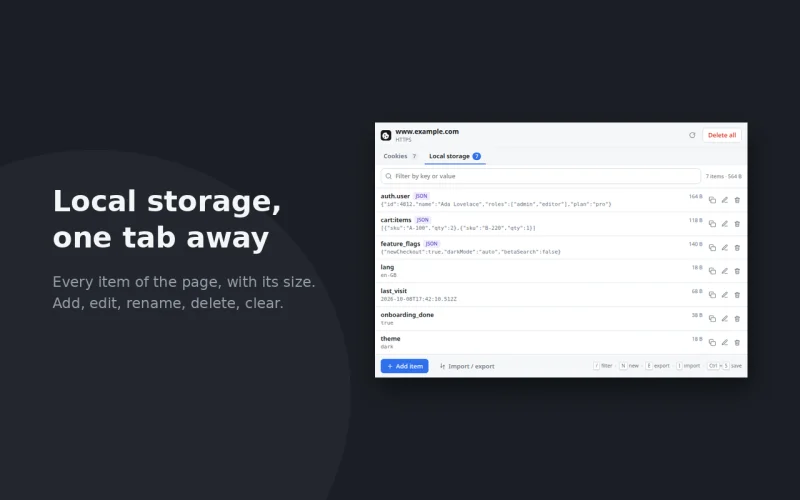
Every cookie the browser would send, including HttpOnly ones page scripts cannot see. Value, domain, path, expiry, SameSite, Secure, Partitioned (CHIPS) and Duplicate.
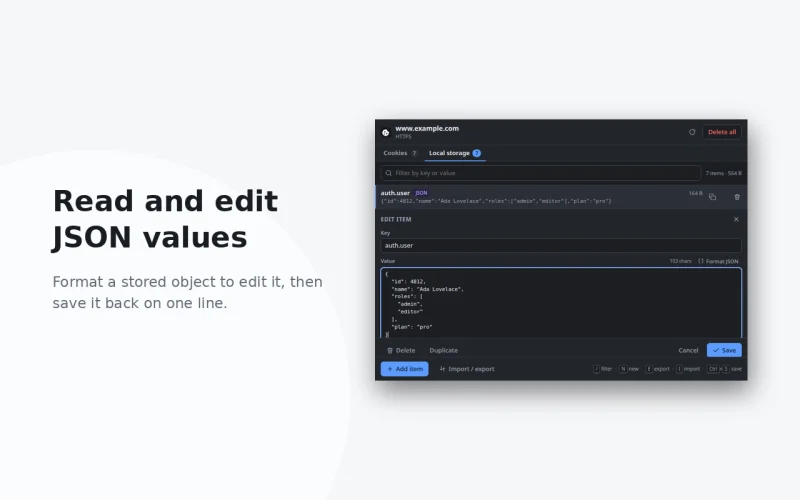
Keys with sizes and a JSON badge, a Format JSON switch, rename that moves the item, and all-or-nothing writes that leave the page as it was on failure.
Lossless JSON or a Cookie header string for pasting into a request. Import reads both back; a paste with one unreadable cookie is refused as a whole.
1 / 2 to switch tabs, N to add, / to filter, E / I to export and import, Esc to close. It reopens on the tab you last used.
Private by design
No background process, no network access, no analytics — the popup only reads and writes the tab you opened it on, and a write is refused if the tab has moved to another site since it was read.
Cookies for other domains are never written, exports are generated locally, and deleting anything — a single row or the whole site — always asks first.
Grab it from the Chrome Web Store for Chrome, Edge, Brave and Opera, from Firefox Add-ons for Firefox — or read the source and load it unpacked.