
 Install from the PPA
 Source Code
System junk
APT cache, unused packages, extra old kernels (a fallback always stays), leftover configs, old Snap revisions, old temp files.

Clean My Ubuntu
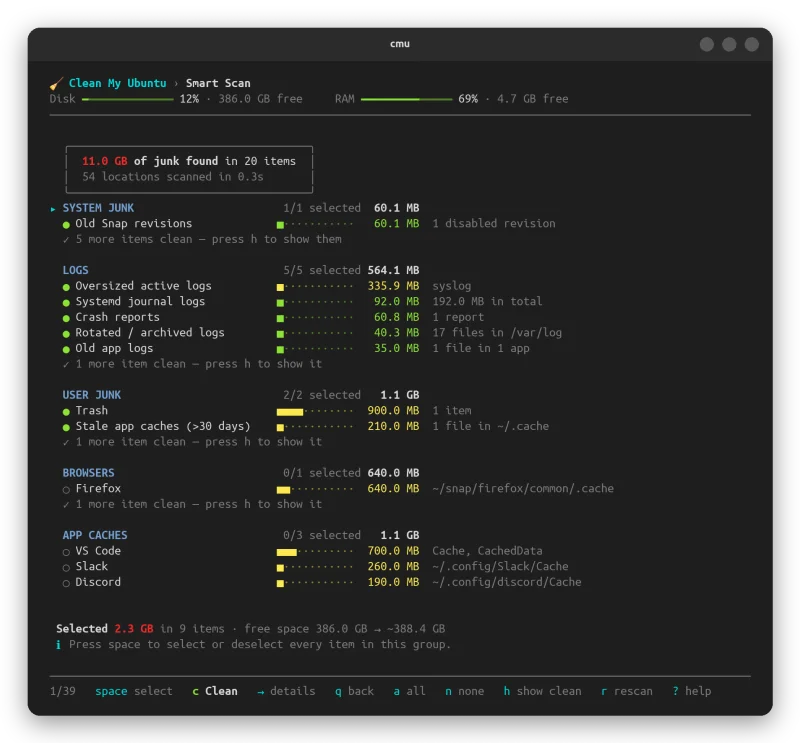
Clean My Ubuntu finds caches, old logs, leftovers of removed apps, and developer and AI-tool clutter, and shows you exactly what it would remove. Nothing is deleted until you confirm. A desktop app and a terminal app (cmu) that share one engine.
Ubuntu 22.04 | 24.04 · MIT license · Desktop app and cmu terminal command.
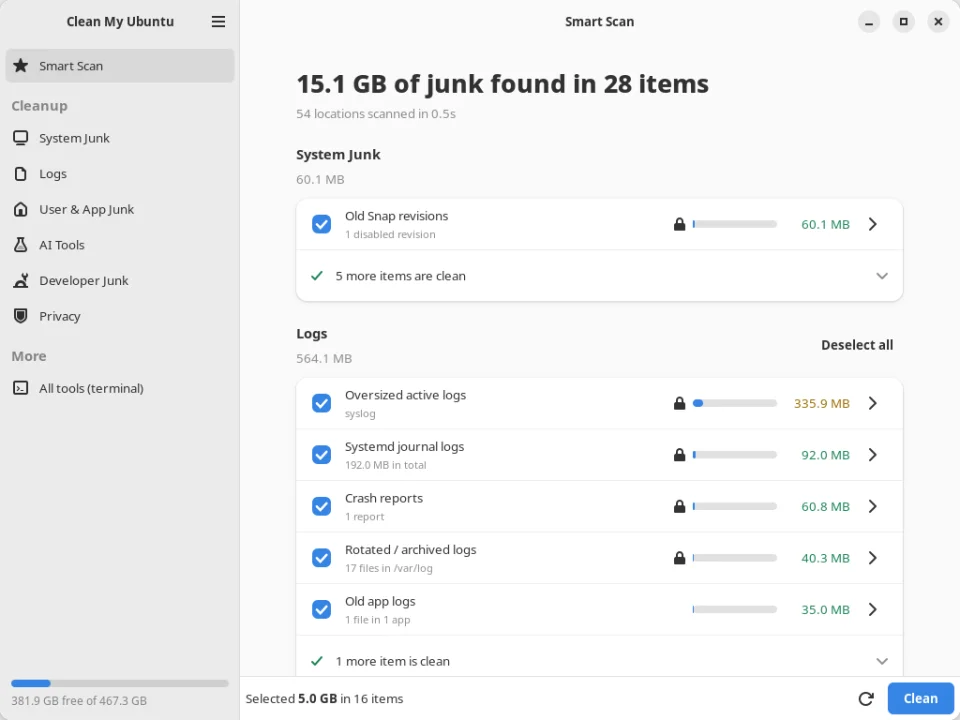
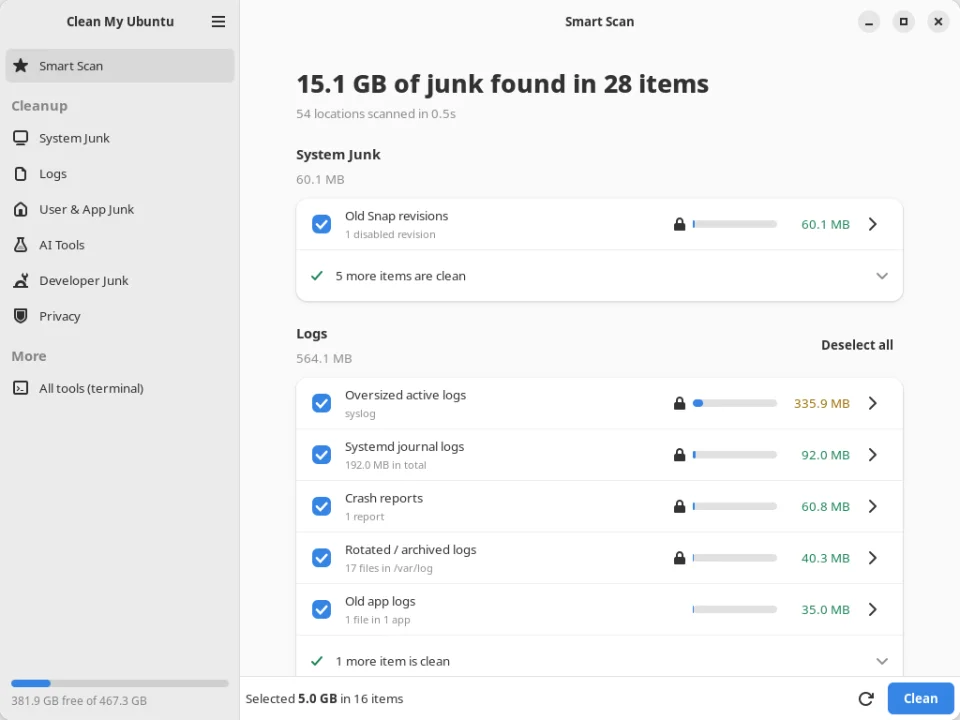
APT cache, unused packages, extra old kernels (a fallback always stays), leftover configs, old Snap revisions, old temp files.
systemd journal (keeps 7 days), rotated logs, oversized live logs, crash reports, core dumps, old app logs.
Trash, thumbnails, stale caches — each browser and each app (VS Code, Slack, Discord, Steam) as its own choice.
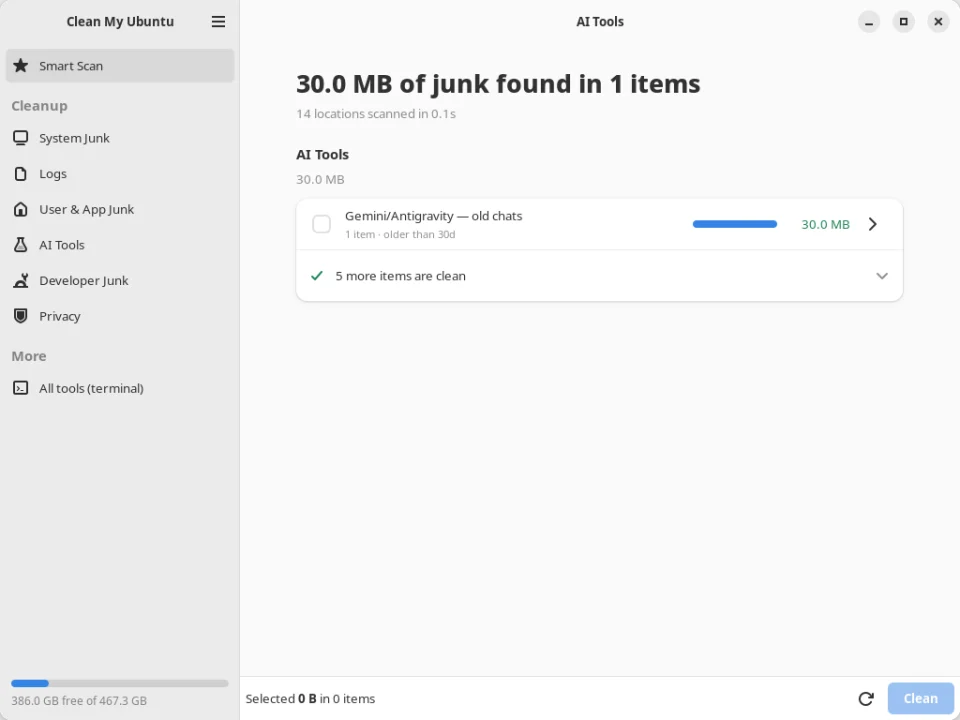
Caches, logs and old sessions of Claude Code, Codex, Gemini and Copilot CLI — plus each Ollama and Hugging Face model, on its own.
npm, Yarn, pnpm, Bun, pip, Go, Cargo, Gradle, Maven, Conda caches; Docker and Podman; node_modules of projects idle for 90 days.
Uninstaller with real sizes and last-used dates, Maintenance, Space Lens, Large & Old Files, Duplicates, Startup Items.
Safe by design
Every clean lists the items and sizes and asks first, and it uses the system’s own tools — apt-get clean, journalctl --vacuum, snap remove --revision, docker image prune — instead of deleting by hand. Your files go to the Trash in the standard format, and z in the terminal puts them back.
Recent things stay: only logs, sessions and caches older than a limit you control are removed. It never touches logins and keys, settings, bookmarks or the running kernel, and system paths are hard-blocked.
Everything is logged, and --dry-run shows the commands without running them.
After adding the PPA:
sudo apt install clean-my-ubuntuAny Ubuntu, without sudo (adds the app and the cmu command to your home folder):
bash clean-my-ubuntu.sh --install