
MeCam
A toy film camera for your iPhone. Pick a film and the whole camera changes colour; press Mimi, the shutter with a face, and your photo lands in Photos with the look of old film.
Download on theApp StoreFree · iPhone with iOS 17 or later
Sixteen films, all free
Every film shows live in the viewfinder, and the saved photo gets exactly the same look. These samples were made by MeCam itself.

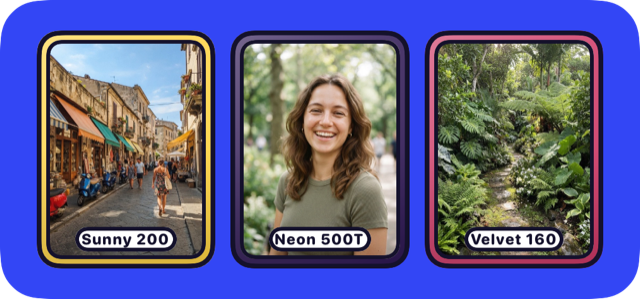
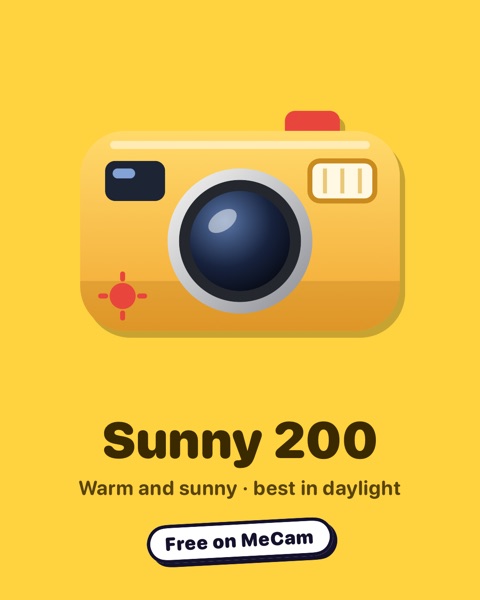
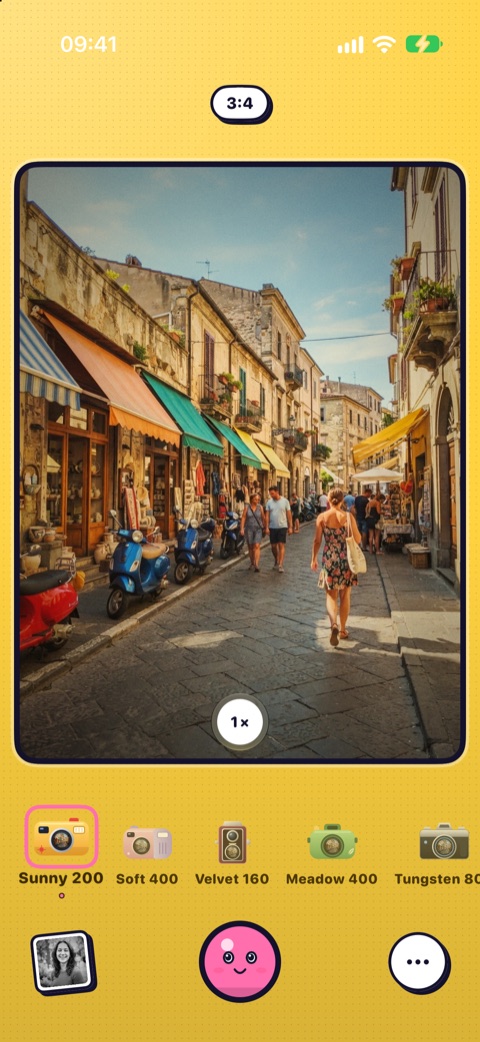
Sunny 200Warm, sunny colour 
Soft 400Gentle tones, kind to skin 
Velvet 160Fine-grain portrait colour with warm, natural skin 
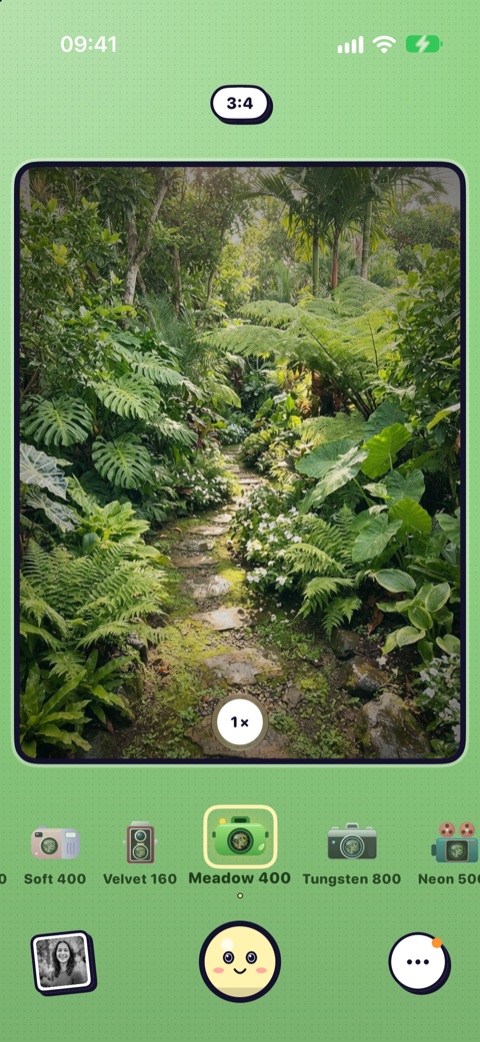
Meadow 400Cool, green-leaning 
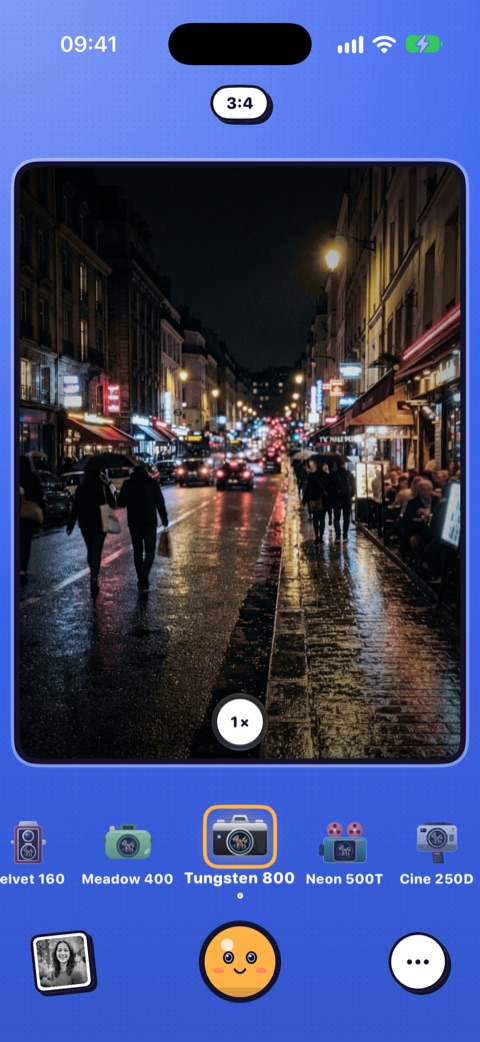
Tungsten 800Cold blue with a glow around lights, made for night 
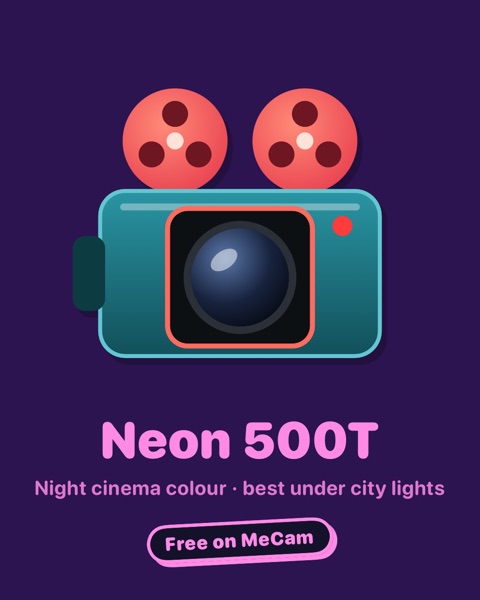
Neon 500TCinema night colour: blue-magenta with deep blacks 
Cine 250DMuted cinema colour: cool teal shadows, soft highlights 
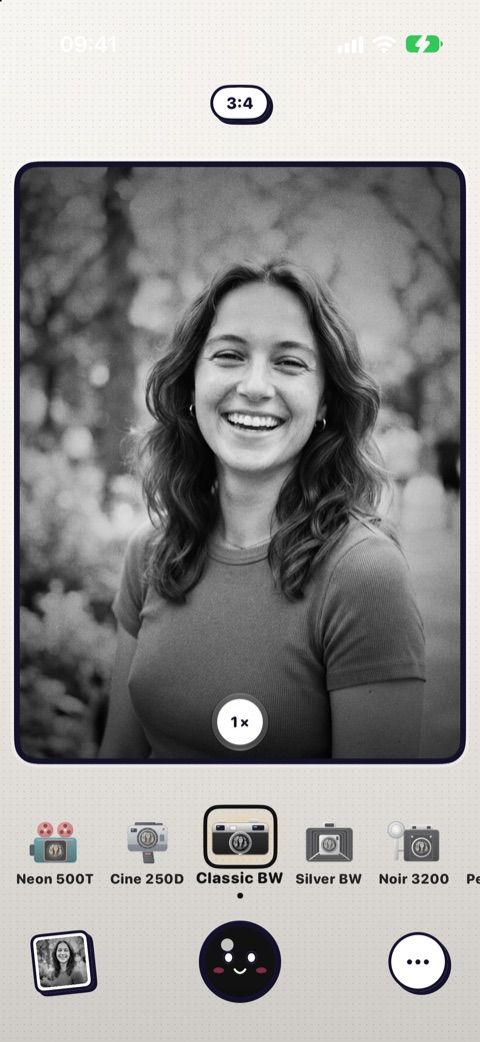
Classic BWHigh-contrast black and white 
Silver BWSoft black and white with faded blacks 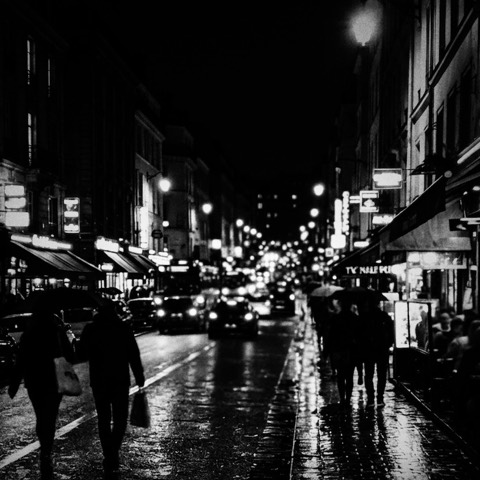
Noir 3200Hard black and white with deep shadows and heavy grain 
Pearl 100Bright, soft black and white with a glow around lights 
Sepia 100Warm sepia tones 
InstantFaded colour and the occasional light leak 
Disposable '98Punchy colour, light leaks and an orange date stamp 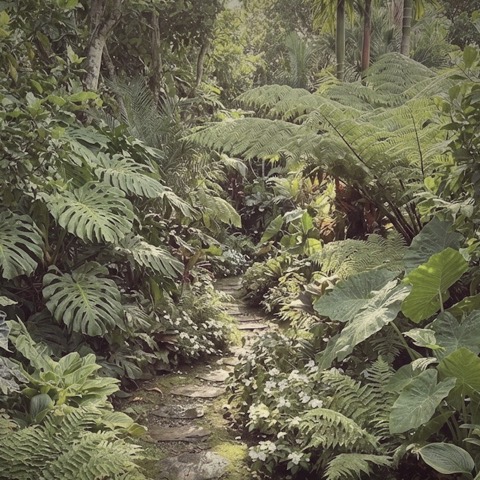
Faded '79Faded old print: red-magenta drift and milky blacks 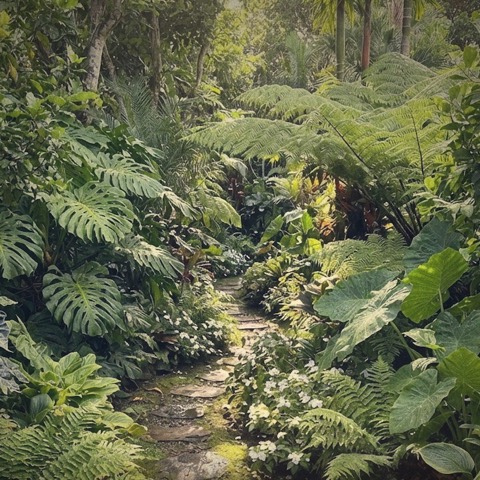
Expired '04Expired-film look: yellow-green cast and foggy blacks
Guides
Short how-tos for shooting with MeCam: the film look without editing, the right film for the light, photo booth strips and quick ways to open the camera.
The film look on iPhone, without editing
Most film apps make you shoot first and fix the photo later. MeCam works the other way round: the film is already on the viewfinder, so the photo you press for is the photo you keep.
Which film for which light
Film looks react to light the way real film did: some love hard sun, some glow at night. Here is where each of MeCam's sixteen films feels at home. The samples show the same daylight street in each film; tap a film to see it larger.
Photo booth strips with friends
MeCam has a photo booth built in. Press the shutter once and Mimi counts down four shots, with a pose for each, then prints them as one strip with the date.
Shoot from the Lock Screen, Action Button and Shortcuts
The best moments do not wait for you to unlock your iPhone. MeCam can open from the Lock Screen, a button press or a Siri phrase, already in the film you want.
Double exposure on iPhone
A double exposure puts two pictures in one frame. With MeCam you do not have to guess how they will mix: the first shot is laid over the live viewfinder, so you line up the second one before you press.
Half-frame: two photos in one
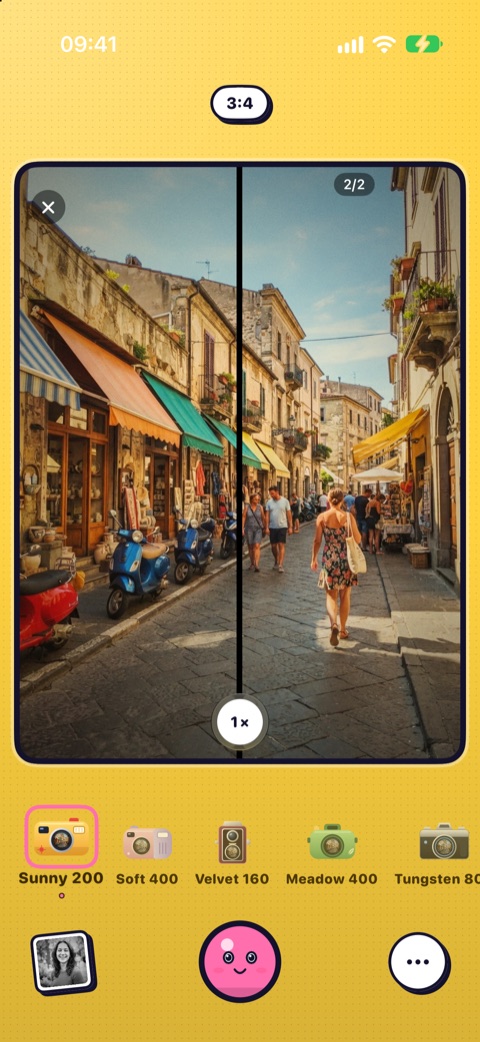
Half-frame cameras fit two small pictures on a single frame of film. MeCam brings the idea to your iPhone: take two shots and get one photo with both side by side.
The disposable camera look
Part of a disposable camera's charm is the ritual: a fixed number of shots, no peeking, a wait for the lab. MeCam can do all of that, switched on by you and never in the way.
Print sheets: many photos on one paper
A print sheet puts 2 to 9 of your photos on one sheet of paper with a border and a small footer. It is a quick way to share a day, a trip or a favourite roll as a single picture.
New: your year on film, a My shots widget and more
Four more ways to enjoy MeCam, still free and still on your iPhone.
Your year on film
From 1 December the gallery recap makes a card for your year: your shots, top films and best month. Share it or save it to Photos.
My shots widget
Your newest film photos on the Home Screen.
Develop later countdown
Shots stay sealed for an hour, like film at the lab, with a countdown on the Lock Screen and in the Dynamic Island.
Your name on the camera
Put a name tag like "Linh's MeCam" on the viewfinder. The gallery keeps it with every shot.
New: share a film, month recap and more
Five more ways to enjoy your shots, still free and still on your iPhone.
Your month on film
Open Recap in the gallery to see your month as one picture: your shots, your top films, rolls finished and stickers. Share it or save it to Photos.
Share a film
Touch and hold a camera in the film strip and choose Share. MeCam makes a card and a link, and a friend who taps it sees that film and can open MeCam on it.
Develop later
Turn it on in the camera menu and new shots stay sealed for an hour, like film at the lab. The gallery counts down to the reveal, then the photos land in the gallery and Photos.
Favourites
Tap the heart on your best shots, then switch the gallery to Favourites to see only those.
Mimi's suggestions
When the light changes, Mimi suggests a film that suits the scene, like a night film in the dark. Tap the bubble to switch, or ignore it. You can switch it off in Settings.
New: photo booth and secret cameras
Play with Mimi, still free and still on your iPhone.
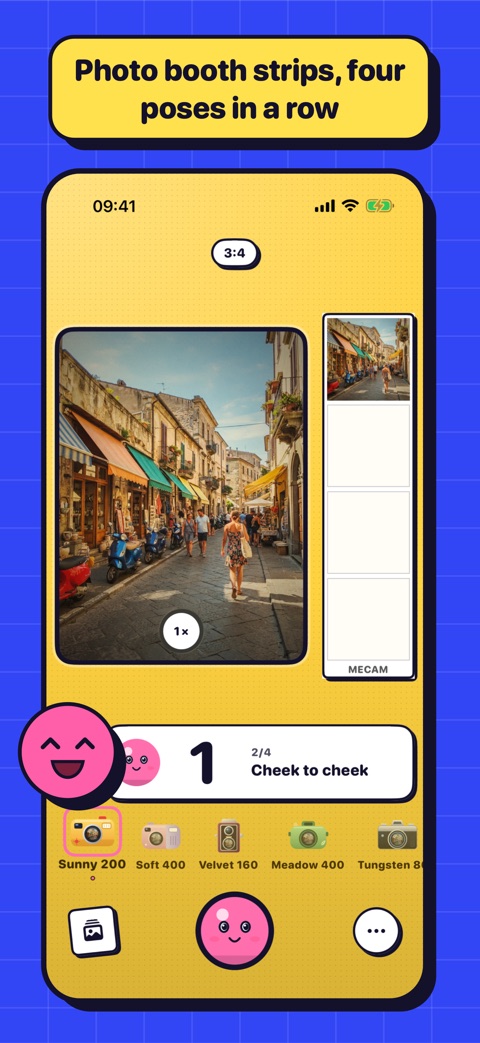
Photo booth
Press the shutter once and Mimi counts down four shots, saved as one strip with the date. Or pick a 4×4 grid of 16, and share the print right away.
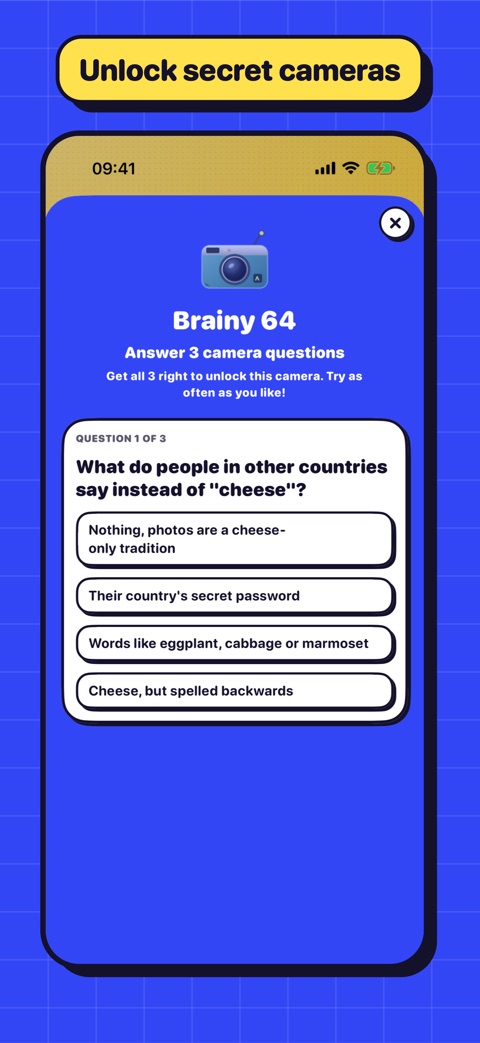
Secret cameras
Three cameras to unlock: pass a short camera quiz, share MeCam with a friend, or join the community group.
Stickers and the roll receipt
A full roll prints a lab receipt with your contact sheet, your films and the stickers you earned.
Film of the day
Turn the crank once a day for a film and a little dare, and keep a daily streak going.
More to play with
More ways to shoot, still free and still on your iPhone.
A camera that changes with every film
Each of the sixteen films gives the camera its own colour, from sunny yellow to night-time purple.
Meet Mimi
The shutter has a face. Mimi blinks while you frame, says cheese when you shoot, and a little print slides out into your album.
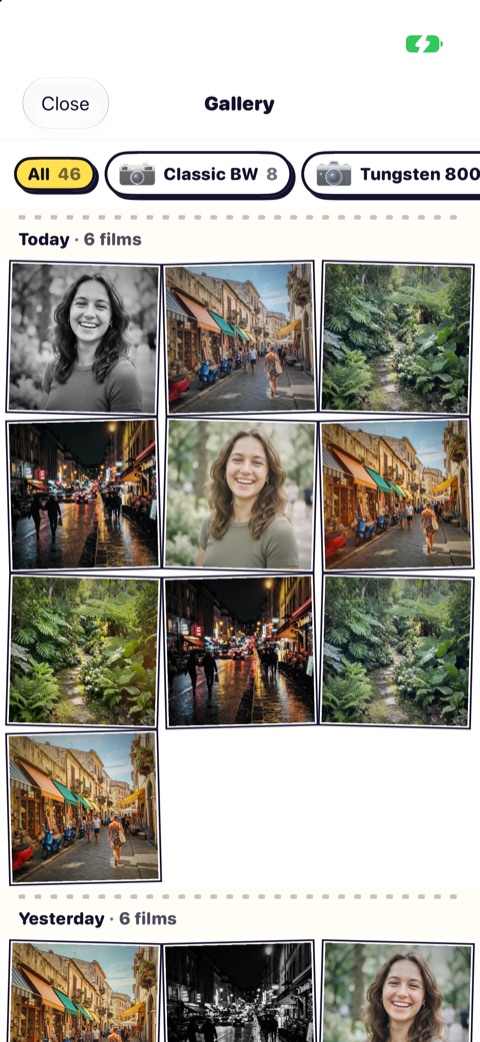
Gallery by film
Your photos by day, or only the ones from one film camera.
Square and tall
Shoot 1:1 or 9:16 as well as 3:4, and the photo comes out exactly that shape.
Half-frame
Two shots side by side in one photo, with a thin black line between them.
Double exposure
Lay a second shot over the first, and see the blend before you shoot.
Film roll
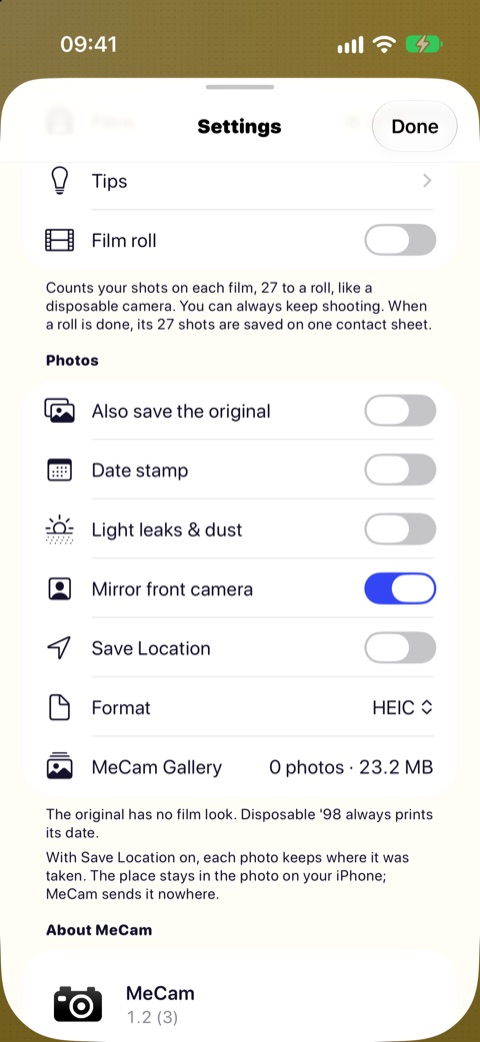
27 frames to a roll, and a contact sheet of the whole roll when it is done.
Light leaks and dust
A warm leak, a few specks or fine scratches on each shot. Off by default.
On your Lock Screen and Home Screen
Open the camera from the Lock Screen or Control Center, and put film widgets on the Home Screen.
Quick actions
Touch and hold the MeCam icon to open in one of your first films or straight in the gallery.
Save Location
Writes where you shot into the photo. Off by default; MeCam never sends it anywhere.
Easier Adjust and zoom
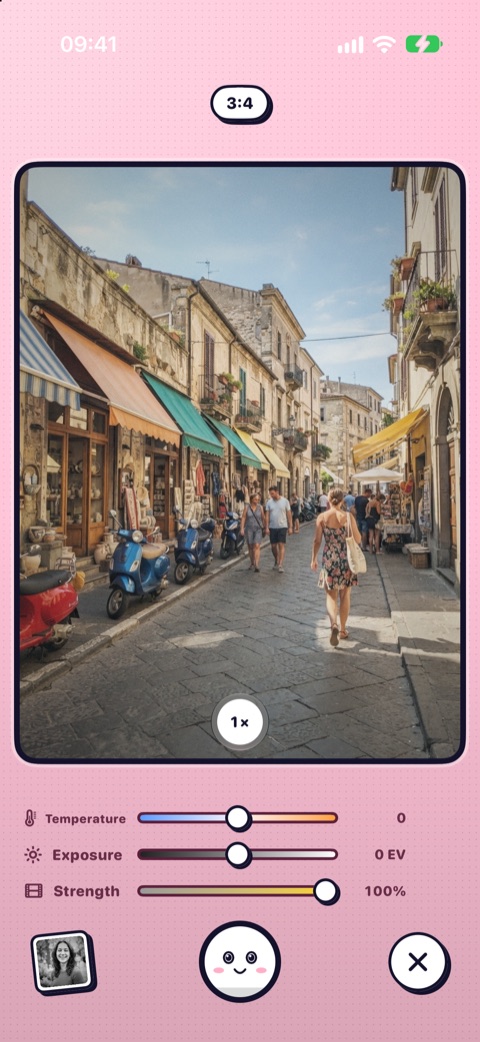
Sliders that show what they change, and one zoom button that opens the lens choices.
A look inside
How MeCam works
Open is shoot
No welcome screens, no sign-up. Open MeCam and you are already in the viewfinder.
All free
Every film, every feature. No ads, no in-app purchases, no account.
Private
Everything happens on your iPhone. MeCam does not connect to the internet and collects no data.
Few buttons
A film strip, a shutter, your last photo and a menu. Each button does one thing.
Questions
Is MeCam really free?
Yes. All sixteen films and every feature are free, with no ads, no in-app purchases and no account to create.
Does MeCam collect my data?
No. Your photos are processed on your iPhone and never leave it. MeCam has no analytics or tracking and does not connect to the internet.
Where are my photos saved?
Straight to your Photos library. MeCam only asks to add photos and never reads your library. A copy also stays in MeCam's own gallery, so you can look back at your shots.
Can I change how a film looks?
Yes. Make any film warmer, cooler, brighter or darker, and tap the viewfinder to focus and set the exposure. What you see is what is saved.
Which iPhones does MeCam work on?
Any iPhone with iOS 17 or later. MeCam is available in English, Vietnamese, German, French, Portuguese (Brazil), Spanish, Japanese, Korean, Simplified Chinese and Traditional Chinese.