 MeCam
Print sheets: many photos on one paper
A print sheet puts 2 to 9 of your photos on one sheet of paper with a border and a small footer. It is a quick way to share a day, a trip or a favourite roll as a single picture.
Make a print sheet
Open the MeCam gallery and tap Select. Pick 2 to 9 photos, then tap the grid button. MeCam shows a preview. Choose Feed 4:5 for a post or Stories 9:16 for a tall story; the preview is exactly the picture you will save.
Photos are placed oldest first and cropped from the centre to fill their cells. The layout follows the count: 2 and 3 photos sit side by side on Feed and stack in a column on Stories, 4 make a 2×2 grid and 9 a 3×3 grid.
Save or share
Tap Share to send it to any app, or Save to Photos to keep it. On the Stories size, a Stories button appears when Instagram is installed. The sheet is an ordinary picture in Photos, so you can print it from there at home or at a print shop.
The footer shows MeCam and the date, or the date range of the photos, and your camera name if you set one.
Booth strips and sheets
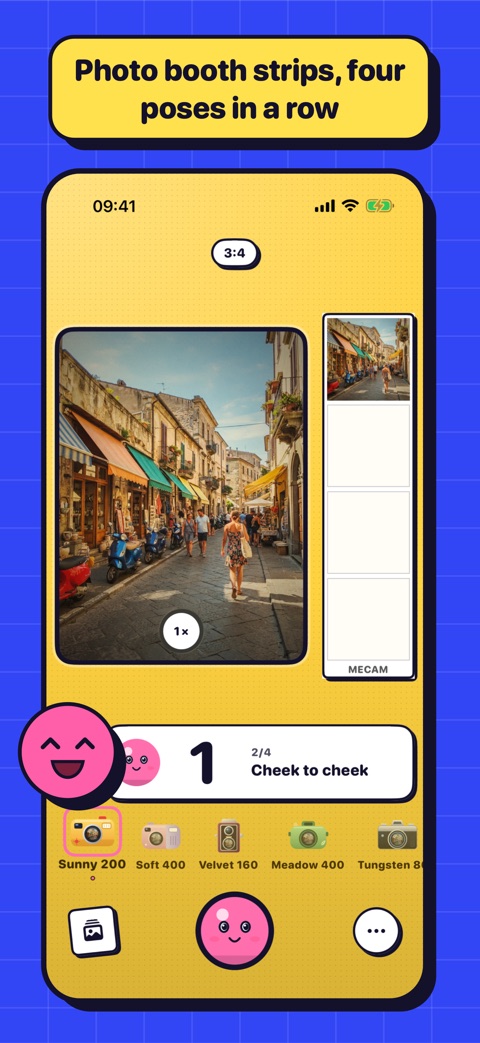
For four quick shots in a row, the photo booth makes a strip or a 2×2 grid for you, with a pose for each shot. For photos taken over a day or a trip, pick them in the gallery and make a print sheet.
Ideas
The best nine of a film roll. A day in six photos. The same spot through a trip. One film on a whole sheet, or a mix of films side by side. A friends' night in four.
Free and on your iPhone
Print sheets are free, with no ads and no account. They are made on your iPhone, one photo at a time, and nothing is uploaded.